Nodies One-Click Staking for SQD

Nodies.app just shipped one-click SQD staking and it’s slick. Stake multiple nodes in one flow, track rewards in a single dashboard, and keep it fully non-custodial (your wallet controls the Safe).
Here’s a quick walkthrough of how it works, from setup to staking to ongoing reward tracking.
1. Why Use Nodies for SQD Staking
Staking through the native SQD platform works well for small setups, but once you manage many nodes, the process becomes slow and manual. Nodies simplifies this by:
- Letting you stake multiple nodes in a single flow
- Showing all rewards in one consolidated dashboard
- Keeping everything non-custodial since your wallet controls the Safe
2. Accessing the Staking Dashboard
Step 1 - Log in
- Open the Nodies staking platform.
- Log in with your Web3 wallet (example: MetaMask).
Step 2 - Open the Staking Page
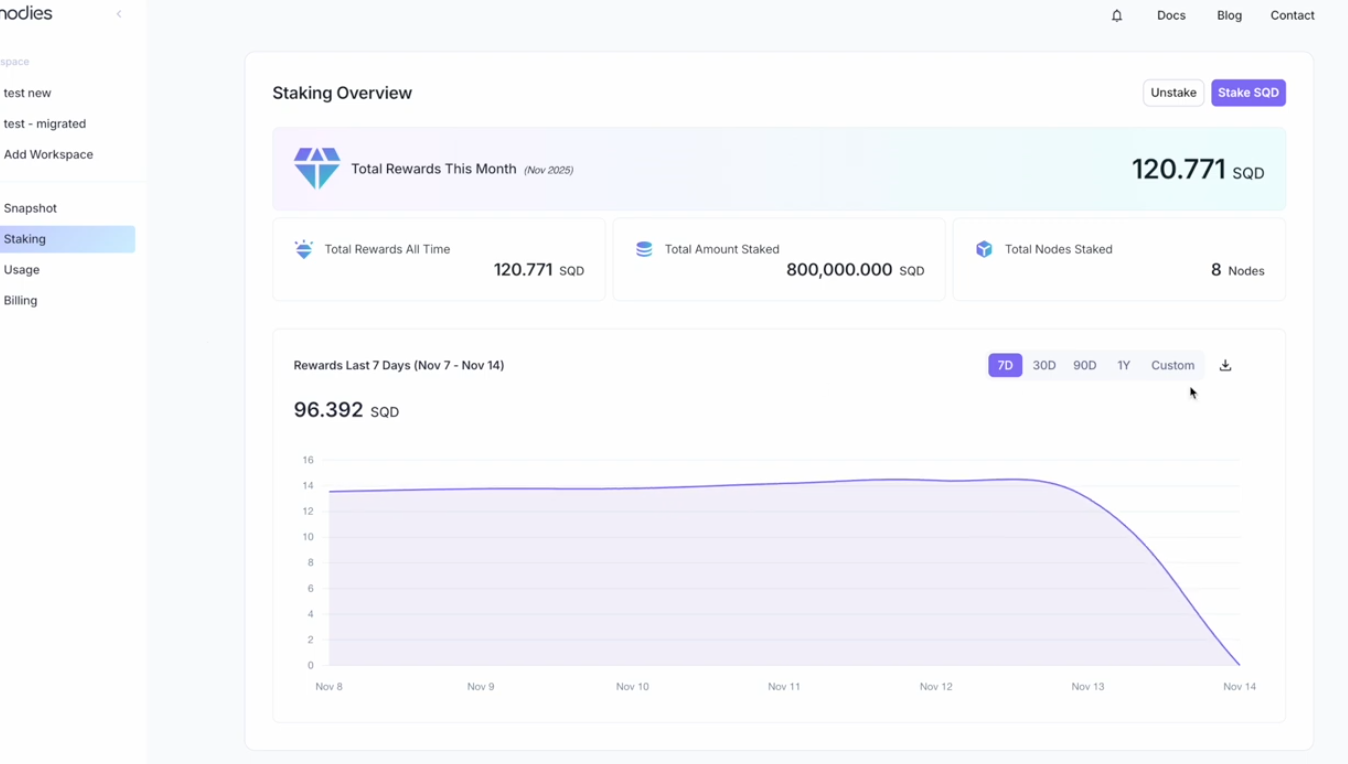
- Navigate to Staking after logging in.
- You will see:
- Number of staked nodes
- Monthly rewards
- Daily reward breakdown
Step 3 - Explore Reward Data
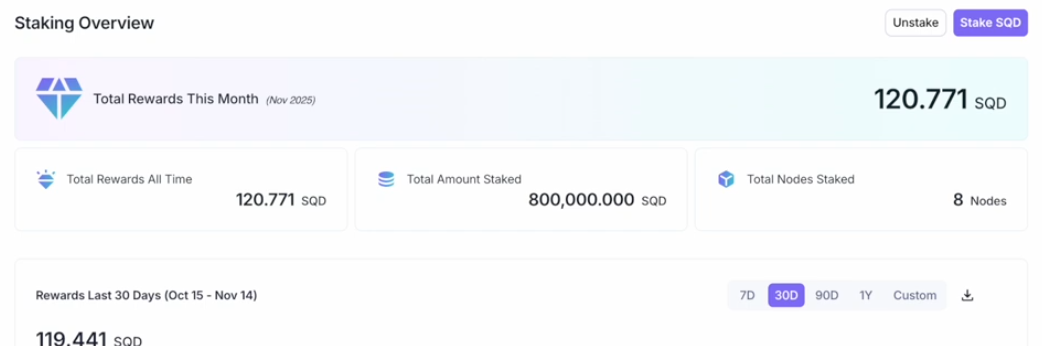
- Check daily rewards on the chart.
- Choose a custom date range.
- Export reward history to Excel for accounting or tax use.
3. Preparing to Stake
Step 4 - Connect Your Wallet
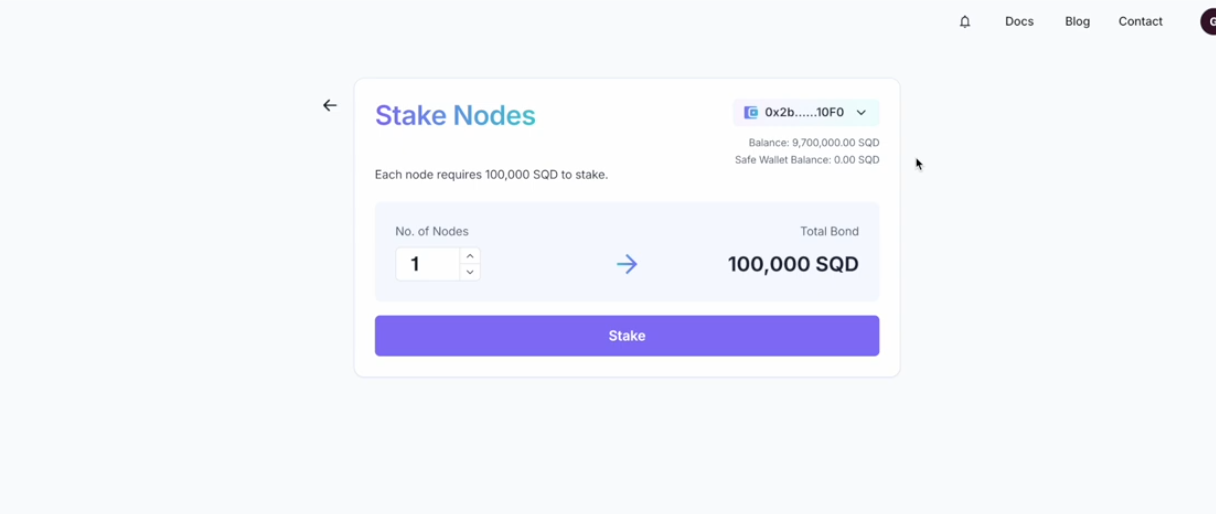
- Ensure your wallet is connected.
- Nodies supports MetaMask and other common wallets.
- Token balances in development mode may differ, but the live flow is the same.
4. Staking Your Nodes
Nodies staking requires two transactions.
Step 5 - Choose Number of Nodes
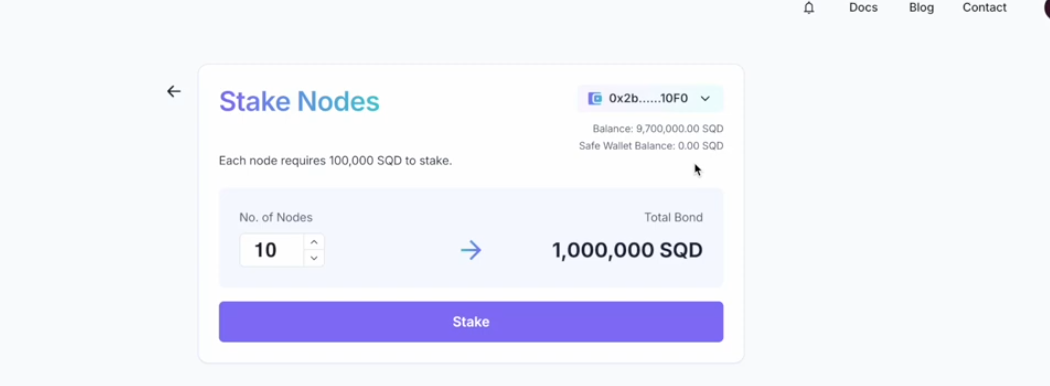
- Enter how many nodes you want to stake (example: 10).
- Click Stake.
Step 6 - Transaction 1: Send SQD to Your Safe
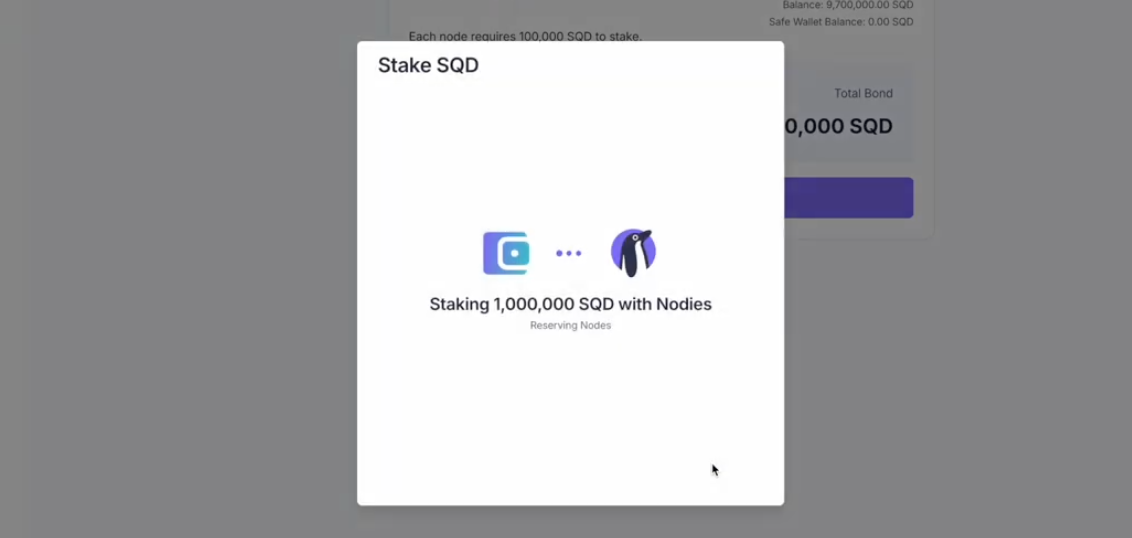
- Nodies automatically creates a Safe wallet tied to your connected wallet.
- Only your wallet controls this Safe.
- Approve the transaction that sends 1,000,000 SQD per node into your Safe.
- Confirm the transaction in your wallet.
Step 7 - Transaction 2: Authorize Staking
- After Transaction 1 completes, you will be prompted for the second transaction.
- This authorizes the Safe to stake the chosen number of nodes.
- Confirm the transaction.
- You will see a confirmation message and receive an email.
5. Viewing Your Newly Staked Nodes
Step 8 - Dashboard Update
Your new nodes will appear on the dashboard and rewards will begin to accrue with the next reward cycle.
Step 9 - Ongoing Tracking
Use the dashboard to:
- View total rewards
- Monitor daily rewards
- Export reports
- Track newly added nodes
6. Additional Notes
- Staking is fully non-custodial.
- The Safe wallet belongs to you and can be accessed directly through Safe’s interface.
7. Support
For additional help or questions, visit nodies.app